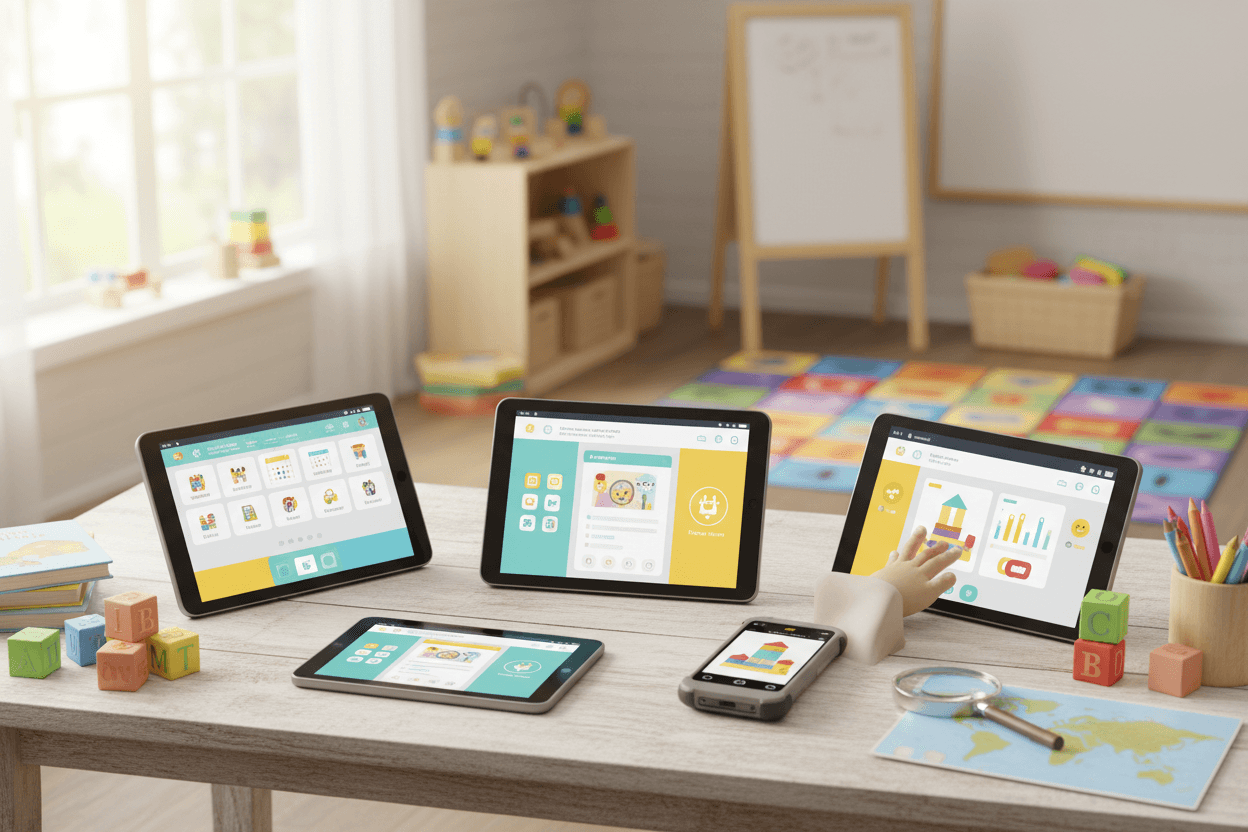
- Preschool documentation apps fall into three groups: free standalone teacher apps, broad childcare platforms, and unified documentation workflows.
- Standalone apps are cheap but split records across tools, while broad platforms often treat lesson plans and daily reports as separate modules.
- The strongest tools connect the lesson plan, daily logs, child progress, and parent update so teachers enter each moment only once.
- Bloomily combines AI-drafted weekly lesson plans, daily reports composed from logs, assessments across six developmental domains, and translated parent updates in one app.
- A good test for any vendor: ask how one activity from this week's plan appears in a child's report and progress record.
Best Preschool Documentation Apps Compared
The short version
- The top daily report and lesson planning tools for preschools fall into three groups: free standalone teacher apps, broad childcare platforms, and unified documentation workflows.
- Standalone apps are cheap but split your records. Broad platforms cover everything but often treat lesson plans and daily reports as separate modules.
- The strongest preschool reporting and lesson planning tools connect the plan, the day's logs, the child's progress, and the parent update so teachers enter each moment once.
- Bloomily does this: AI-drafted weekly lesson plans, daily reports composed from the day's logs, assessments across six developmental domains, and translated parent updates in one app.
It is 3:15 p.m. A lead teacher still has to finish eight daily reports, log two observations for conferences, and post next week's plan. Each lives in a different app, and none of them know what the others hold.
That is the problem with classroom documentation today. Teachers are not short on apps. They are short on apps that talk to each other.
Why classroom documentation splits across too many apps
Preschool documentation splits because each task grew its own tool. Over time, a classroom ends up with one app for reports, one for plans, one for photos, and a binder for assessments.
Documentation task
Typical tool
What gets lost
Daily reports
A parent-communication app
Meals and naps get typed again at the end of the day
Lesson planning
A template, document, or planning app
Plans never connect to what children actually did
Observations and assessments
Paper checklists or a separate portfolio tool
Evidence is hard to find at conference time
Photos
Teachers' phones
Sharing preferences are tracked by memory
Parent updates
Email, texts, and newsletters
Families miss updates and language barriers remain
Every handoff between tools costs teacher time and leaves gaps in the record directors rely on for licensing visits and parent conferences.
What to look for in preschool reporting and lesson planning tools
The best preschool management tools reduce documentation to a few taps per moment and reuse that record everywhere it is needed. Compare apps against this list.
- Daily reports built from logs. Meals, naps, diapers, and activities logged during the day should become the report automatically.
- Teacher review before sending. Nothing should reach a family without a teacher's glance.
- Lesson planning software that drafts for you. Start from a theme and age group, not a blank page.
- Plans that connect to progress. Marking an activity done should add to each child's developmental record.
- Assessments on a real framework. Look for defined developmental domains and mastery levels you can show at conferences and licensing visits.
- Photos with consent built in. Each family's sharing preferences should apply to every photo automatically.
- Parent updates in the family's language. Translation both ways removes a common barrier.
- One app for teachers and one for families. Fewer logins means more consistent use.
Ask every vendor: "Show me how one activity from this week's plan shows up in a child's report and progress record." The number of screens it takes tells you how unified the tool is.
Preschool documentation apps compared
Most tools cover daily reports; far fewer connect lesson plans, observations, and parent updates into one record. Details come from vendor pages and published comparisons as of October 2026.
App
Type
Daily reports
Lesson planning and assessment
Parent updates
Pricing
Bloomily
Unified workflow
Composed automatically from the day's logs, reviewed before sending
AI-drafted weekly plans across six domains; assessments with four mastery levels
Parent app and email, translated messaging
$249 a month per location, or $2,388 a year; no per-child fees
Broad childcare platform
Included
Lesson plans and Experience curriculum listed
Messaging, photos, newsletters
Basic free version for programs under 20 students and one staff member; full pricing on request
Lillio (formerly HiMama)
Documentation-focused platform
Paperless daily sheets
Learning and assessment tools
Included
On request
Procare
Broad childcare platform
Included
Part of a broad platform with advanced admin tools
Included
Quote required
ClassDojo
Free standalone teacher app
Photos and updates
Not a focus for preschool
Strong for updates
Free core platform
Kinderpedia
Childcare platform
Included
Not listed in published comparisons
Multi-language communication
Not listed
Which one fits
- Choose Bloomily if you want plans, daily reports, assessments, and parent updates connected in one workflow at a flat price.
- Consider a broad platform if you need many modules and are comfortable with enrollment-based pricing.
- Consider a free teacher app if you only need photo updates and track learning elsewhere.
How Bloomily connects documentation in one workflow
Bloomily keeps lesson plans, daily logs, child progress, and parent updates in one app. Teachers log a moment once, and Bloomily reuses it where it belongs.
Lesson planning
Enter a theme and an age group, and Bloomily drafts a full week of activities organized by day and block. Activities are balanced across six developmental domains: cognitive, language, social-emotional, physical, creative, and early academics. Edit anything, then publish to the staff app and parent portal with one tap. Nothing publishes until you approve it.
Daily reports
Teachers log meals, naps, diapers, and activities with a couple of taps on the room tablet. Bloomily composes each child's report from those logs. Teachers review it, and families read it in the free parent app on iOS and Android. Nothing reaches a family without a teacher's glance.
Classroom documentation and assessments
When teachers mark a planned activity done and rate engagement, that record flows into each child's developmental picture. Milestones and assessments use six development domains and four mastery levels, ready for parent conferences and licensing visits.
Photos and parent updates
Upload photos in bulk with captions and tags. Each family's sharing preferences apply to every photo automatically. Messages are translated both ways, with read receipts, so every family hears from the classroom in its own language.
For directors
One dashboard shows children present, room staffing, and money owed. Attendance, ratios, tuition, and enrollment live in the same app as classroom documentation, so you are not paying for separate tools.
Standalone apps vs. generic platforms vs. a unified workflow
The choice is less about features and more about how many times a teacher types the same moment.
Standalone teacher apps
Generic childcare platforms
Unified workflow (Bloomily)
Daily reports
Typed at the end of the day
Logged, often in a separate module
Composed from the day's logs
Lesson plans
Separate document or template
Optional add-on or module
Drafted by AI from a theme and age group
Progress records
Paper or another app
Separate assessment area
Planned activities feed each child's record
Parent updates
Photos and messages only
Messaging, sometimes translated
Reports, photos, plans, and translated messages in one parent app
Director view
None
Admin dashboards
Classroom documentation next to attendance, ratios, and billing
Cost
Often free, but limited
Often priced by enrollment
Flat price per location, no per-child fees
Questions, answered
What are the top daily report and lesson planning tools for preschools?
Common options include Bloomily, brightwheel, Lillio, Procare, ClassDojo, and Kinderpedia. Bloomily stands out for connecting AI-drafted lesson plans, daily reports composed from logs, assessments, and translated parent updates in one workflow at a flat price per location.
What is the difference between a daily report app and lesson planning software?
A daily report app records what happened today for families. Lesson planning software plans what will happen. The best preschool tools connect them, so planned activities that get done add to each child's progress record.
Can AI write preschool lesson plans?
AI can draft them. In Bloomily, you enter a theme and age group and get a draft week across six developmental domains. Teachers edit it, and nothing publishes until you approve it.
Do teachers still review daily reports?
Yes. Bloomily composes reports from the day's logs, but nothing reaches a family without a teacher's review.
How do assessments work in Bloomily?
Milestones and assessments use six development domains and four mastery levels. Records build up as teachers complete activities and observe children, so they are ready for conferences and licensing visits.
How much does preschool documentation software cost?
It ranges from free teacher apps to enrollment-based platforms. Bloomily costs $249 a month per location, or $2,388 a year, with no per-child fees and unlimited staff and families.
The bottom line
The best preschool documentation app is the one teachers only have to feed once. Bloomily connects lesson plans, daily reports, assessments, and parent updates, so a planned activity becomes part of a child's progress record, the day's logs become tonight's report, and families hear it all in one app.