Every fee on the page.
Cancel within 60 days of your first charge, and your money comes back automatically.
How the guarantee works →Your page, built inside Bloomily. It shows your programs, hours and phone, and tour requests arrive in Enrollment.
Book a demo
It gives your school its own page at yourname.bloomily.app. Choose an enrollment page, a full website or no website. Programs, hours and phone come from Bloomily, so the page stays current. Tour requests and questions arrive in Enrollment. A drop-in center’s address opens its booking page instead.
An enrollment page, a full website or no website. Families see nothing new until you save.
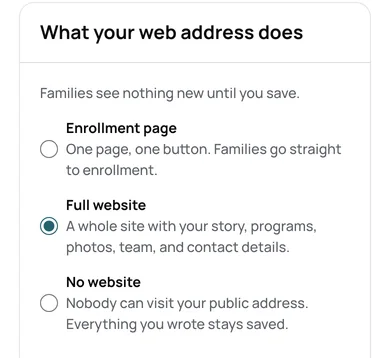
A full website picks one of six templates. A template changes the look, never your words or photos.
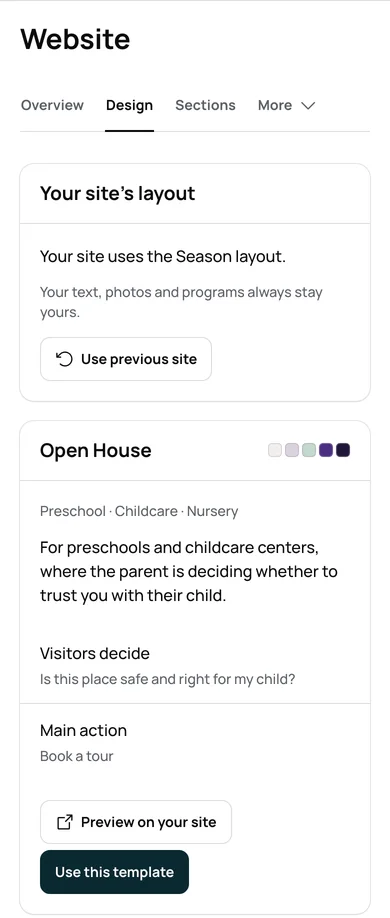
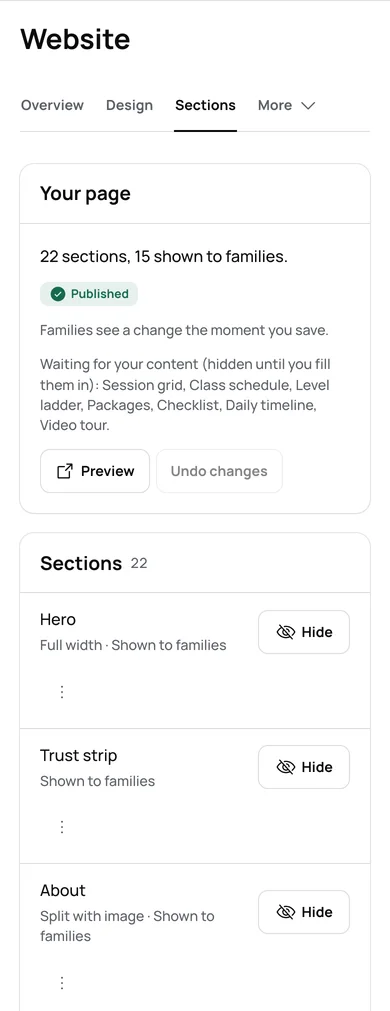
Move, hide or fill in each part of your home page, then preview it.
On a phone, your page shows your hours, your number and Book a tour.
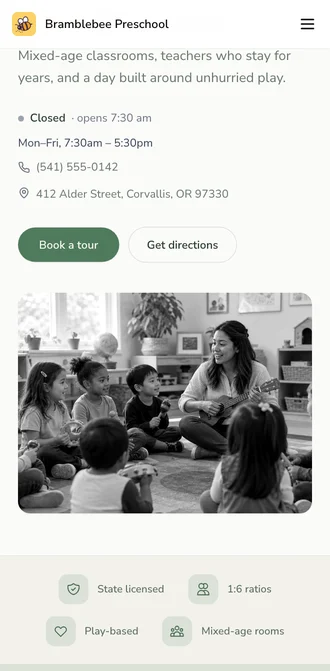
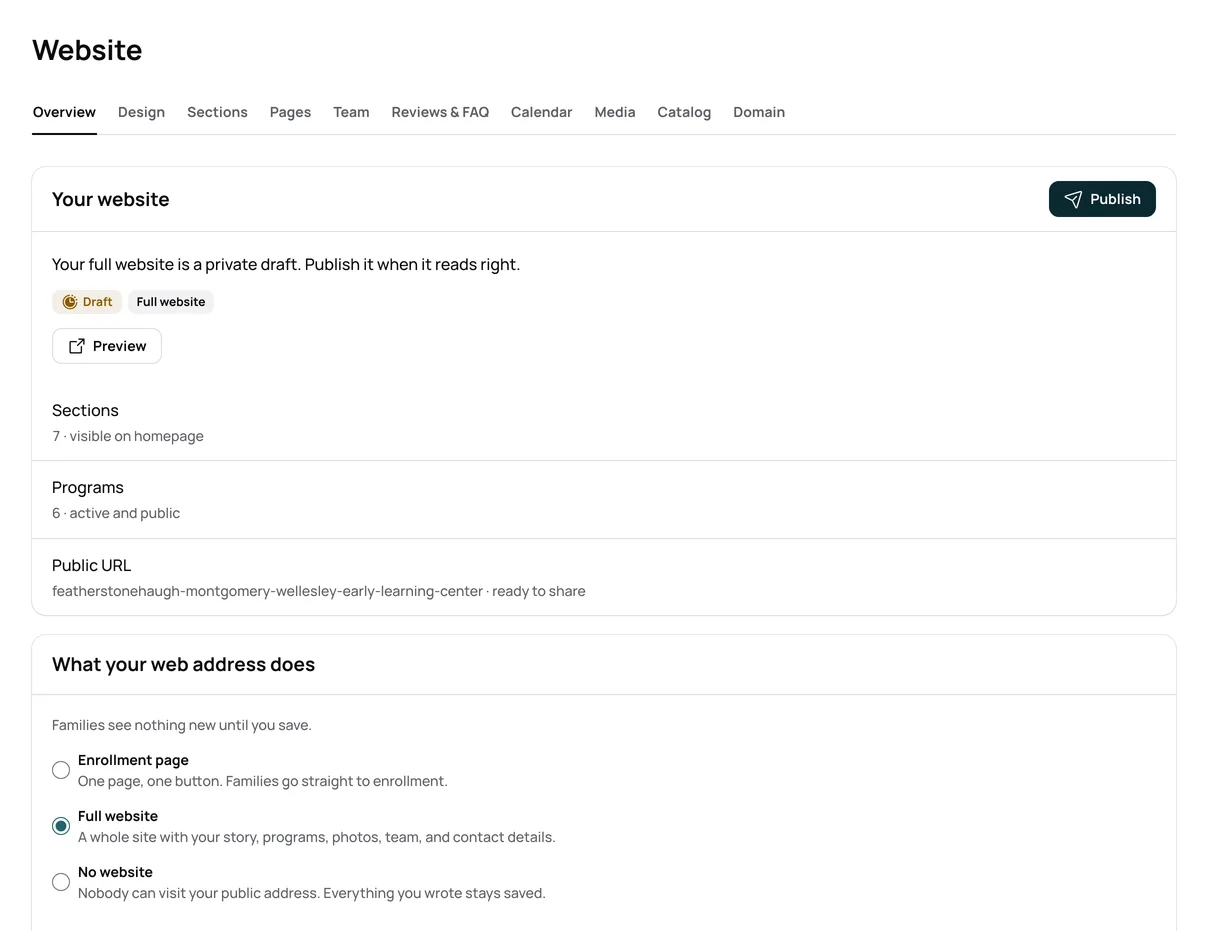
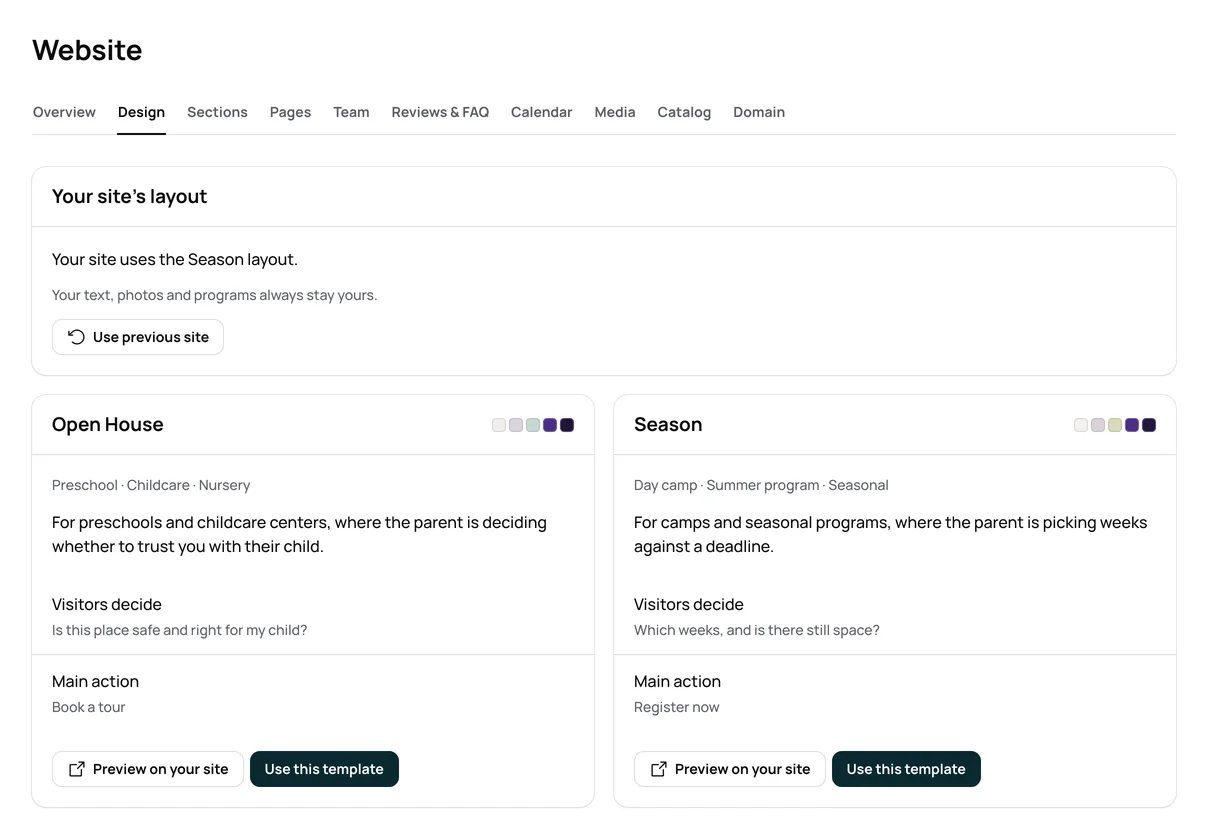
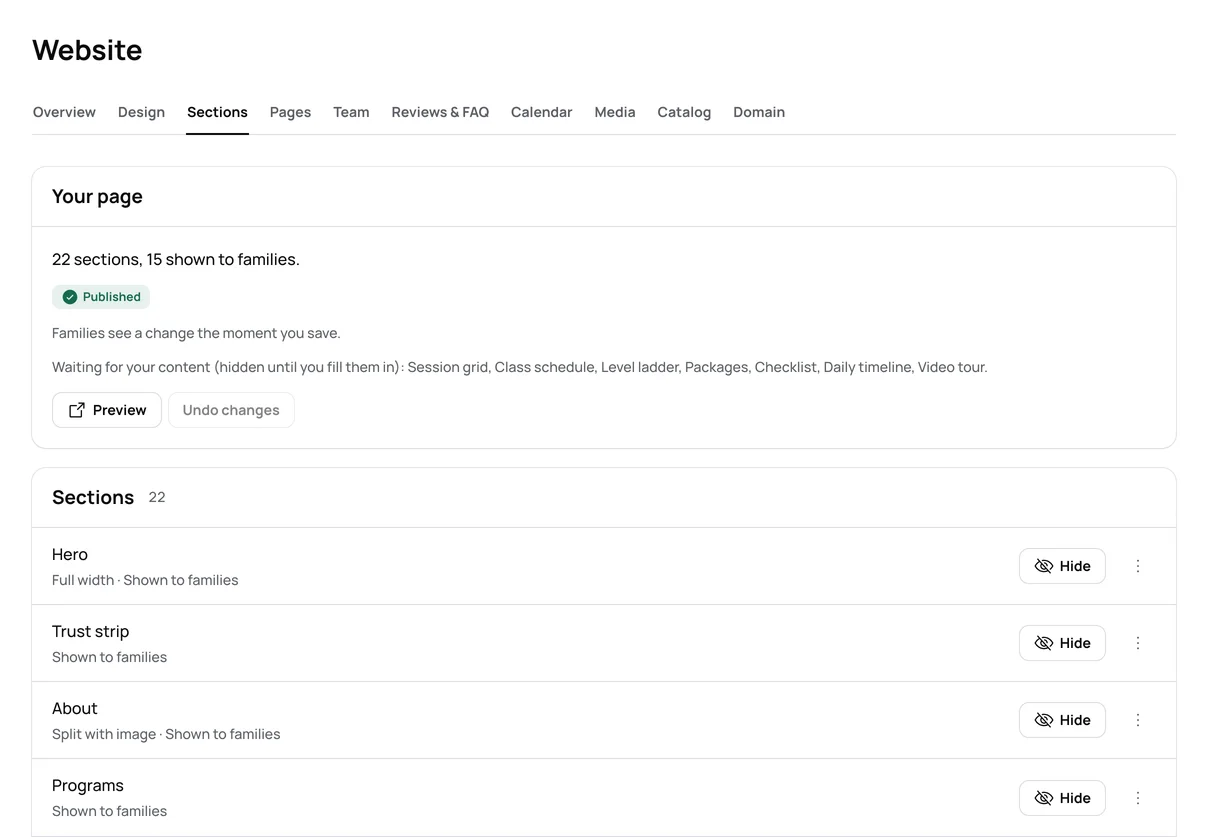
Your page carries your logo, color and photos. Family emails use the same look.
Open a camp week and families can register on your page.
Tour requests and questions from your page arrive in Enrollment.
| The job | The manual way | In Bloomily |
|---|---|---|
| Keep programs current | Edit the website by hand each season | Programs come from Bloomily, so the page shows what you run now. |
| Take tour requests | A contact form that lands in someone’s inbox | Requests arrive in Enrollment right away. |
| Change your hours | Update every page that lists them | Change them in the builder, and your page shows the new hours. |
| Look like your school | Pay a designer, or bend a template to fit | Your logo, color and photos, on a template you pick. |
Your enrollment page goes live once a program opens for sign-up.
Families can pick a tour time once you set your tour times.
Your administrators edit the page. Teachers and staff cannot.
A drop-in center’s address opens its booking page, not a website.
No. You fill in each part from the builder, and preview it before families see it.
It shows in Enrollment right away. The family gets a confirmation email in your school’s name.
Yes. Once a program is open for sign-up, families start from your page.
Yes, Home included. On Home the page starts off, and you turn it on in Features.
Three things directors ask before they start, answered where you can read them.
Cancel within 60 days of your first charge, and your money comes back automatically.
How the guarantee works →AI help is built in, plus full support from our team. Turn it on in Settings, and it answers from your own records.
How AI help works →Encrypted on the way and at rest. Each program’s records are walled off. We never hold card numbers.
Trust and security →Set up in an afternoon.