For a school, JCC or church that runs more than one kind of program.
Tell us every program and site you run. Concierge sets each one up, imports your records and puts the price in writing.
Book a demo
How does Bloomily work when you run more than one kind of program?
Each program is set up on its own, in its own words. A preschool gets rooms and tuition. A camp gets weeks and deposits. Signing up on your own sets up one kind of program at one location. For more, book a demo. Concierge sets each one up, imports your records and puts the price in writing.
Each program, in its own words
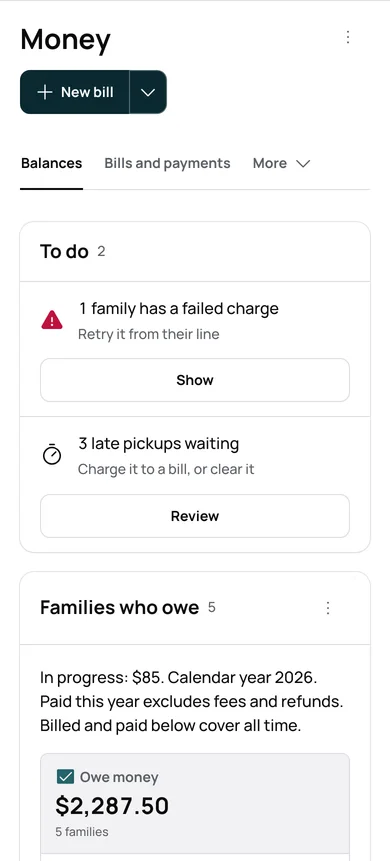
A preschool’s tuition
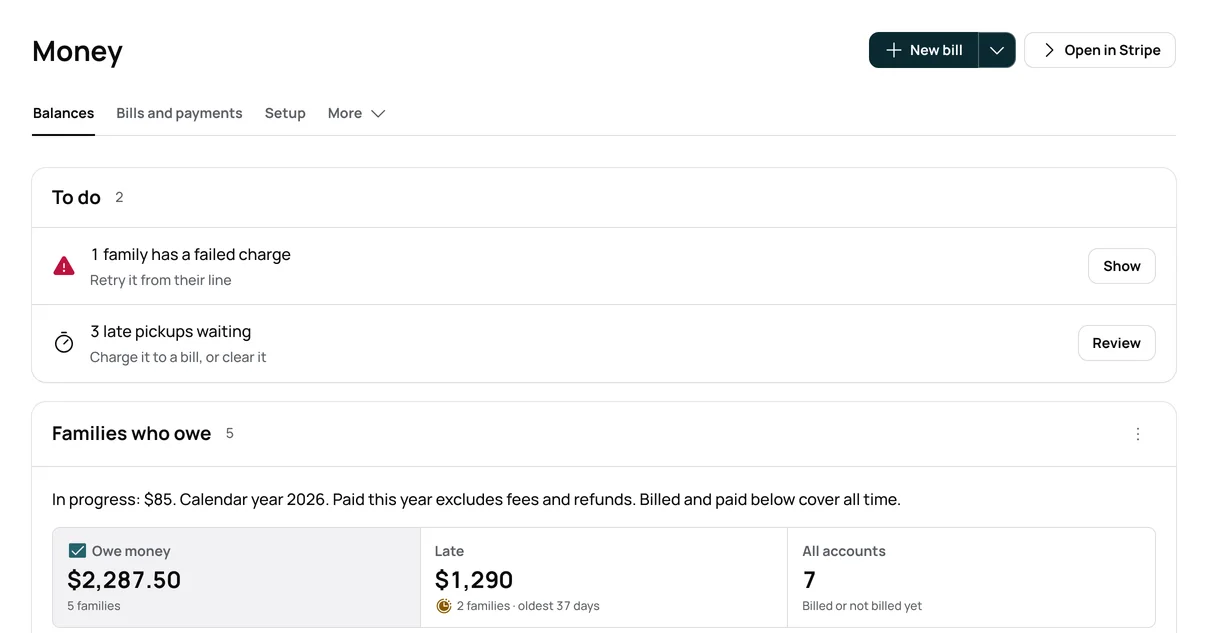
Tuition bills on your charge day, and Money shows who still owes.
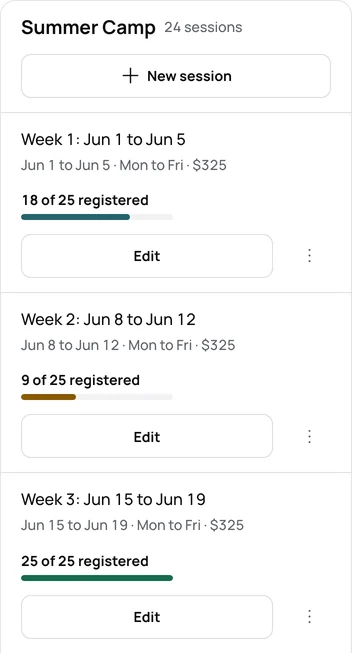
A camp’s weeks
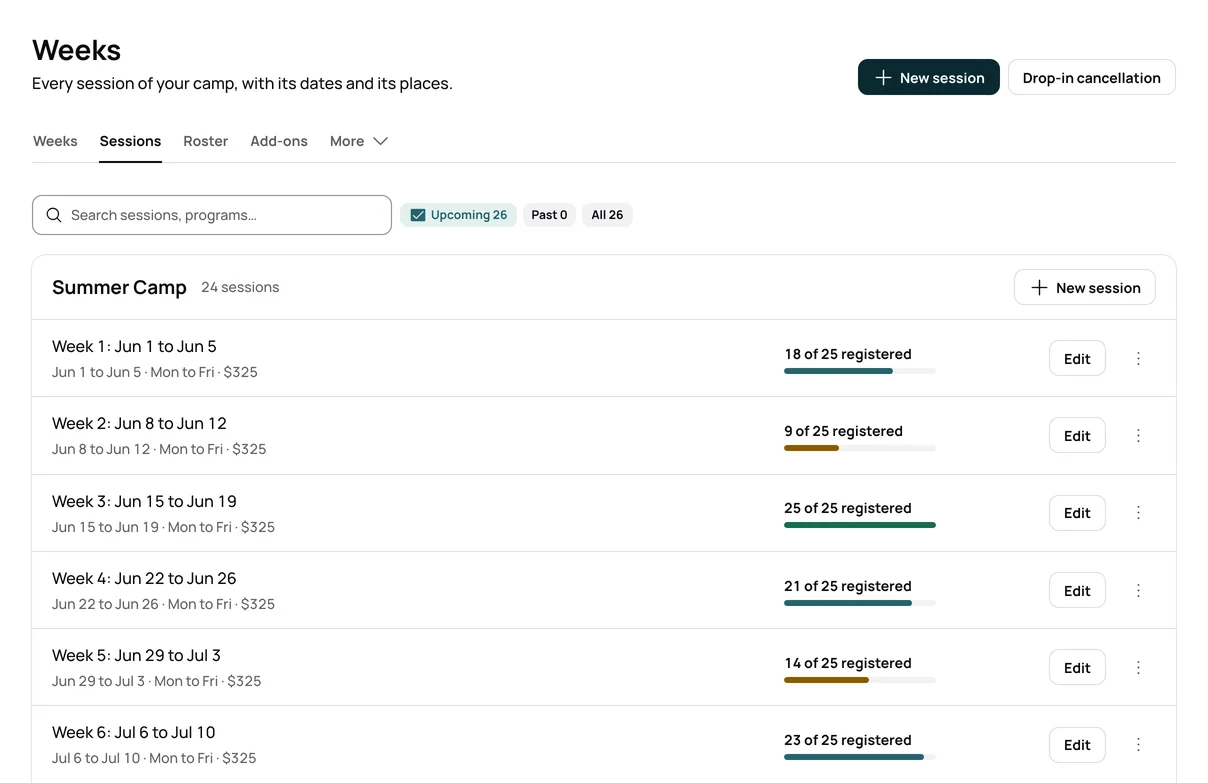
Each camp week has its own places and count. A full week keeps a waiting list.
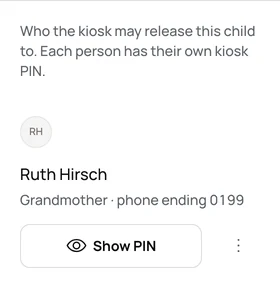
Afterschool pickups
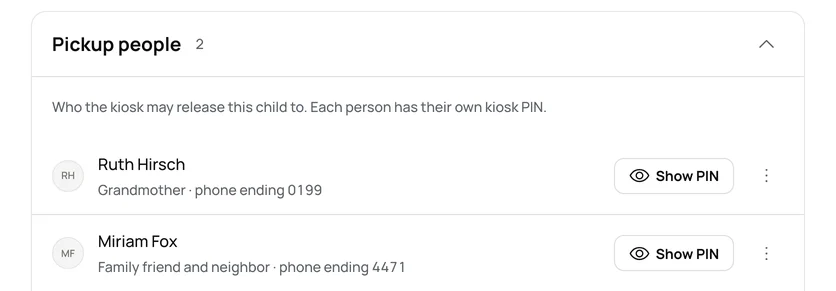
Each adult who may pick up has their own PIN, and the office sees every one.
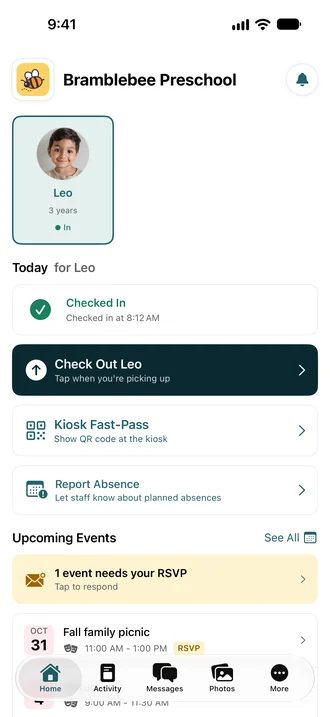
One app for the family
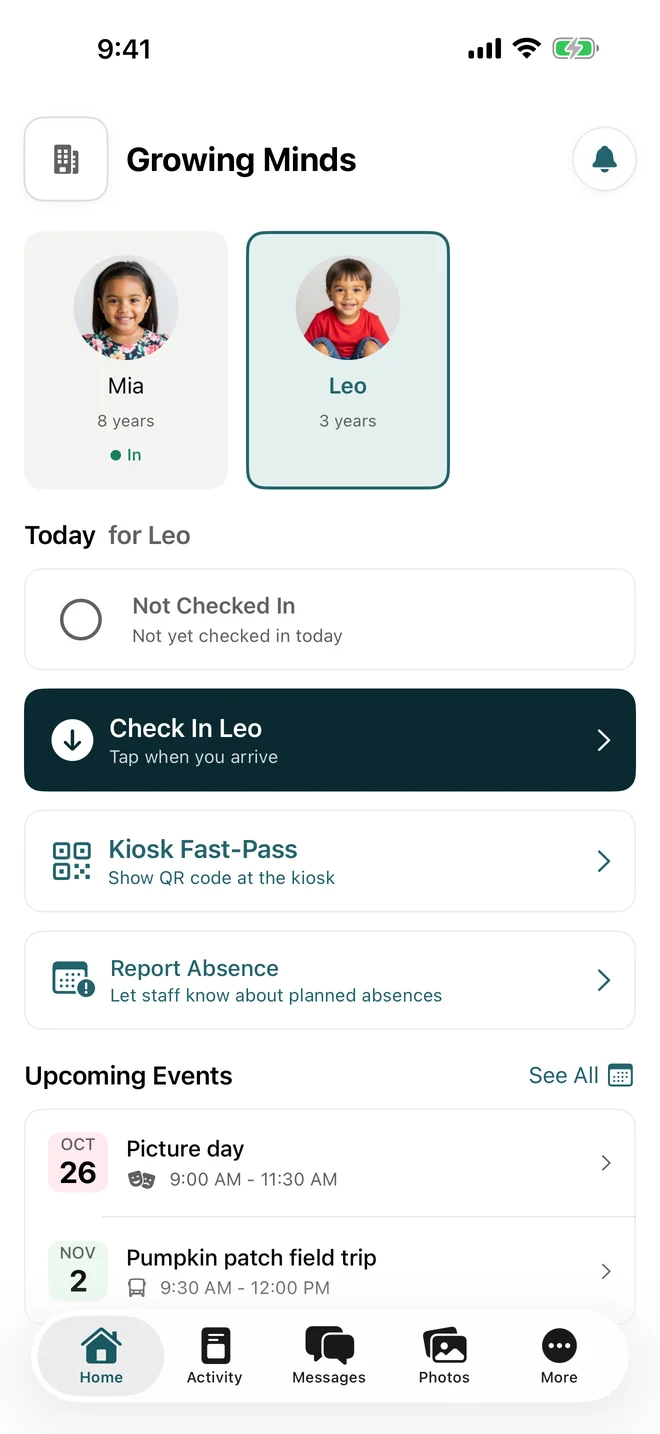
Families check in, read the day and pay in one app. A family with a child in two of your programs sees both.
Several programs on paper, or in Bloomily
| The job | The manual way | In Bloomily |
|---|---|---|
| Sign-ups for each program | A separate form for each, copied into a spreadsheet | Families apply or register from your page, program by program. |
| Who is here | A paper sign-in sheet in each room | Check-in at the kiosk or in the app. Each room’s ratio updates as children arrive. |
| Notes to families | Group texts and email lists | Messages in the family app, to one family or a whole room. |
| Moving your records | Retype every family and child | Concierge imports your records for you. |
What you can do on your own today
One kind at one location
Signing up on your own sets up one kind of program at one location.
More starts with a talk
Running a second kind at the same address, or a second address, is a conversation with us.
A number in writing
You get a number in writing before you commit, and Concierge imports your records for you.
Questions, answered
Can a family see two programs in one app?
Yes. A family with a child in two of your programs opens one app and sees both.
Can I sign up on my own?
Yes, for one kind of program at one location. For more, book a demo, and Concierge sets each one up.
Do you move our records?
Yes. Concierge imports your records for you.
What about a family at two Bloomily schools?
They sign in once and switch between the schools. Each school keeps its own calendar and bills.
How is the price set?
Concierge is quoted. You get a number in writing before you commit.
Organizations shaped like this
Run only one thing? Go straight to its page: preschools, camps, afterschool programs, drop-in centers.
See it with your name on the door.
Book a demoSet up in an afternoon.