Every fee on the page.
Cancel within 60 days of your first charge, and your money comes back automatically.
How the guarantee works →Build your forms or bring the PDFs you use now. Families fill them in and sign on any phone, and you see who still owes one.
Book a demo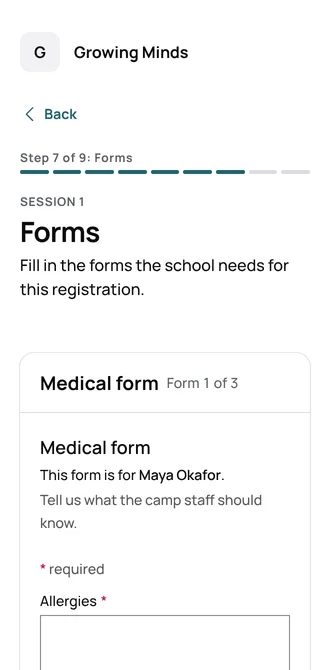
Childcare digital forms let families fill in and sign enrollment forms, permission slips and waivers on their phone. In Bloomily, you build each form or import a PDF you already use. Families sign by drawing or typing their name, and the signed copy is kept with the time. You see who still owes a form. It is for preschools, daycares, camps, afterschool programs and home daycares. Whether a form may be signed electronically is your licensing office’s call.
Add questions, a signature, initials or an “I agree” line. Or import the PDF you hand out today.
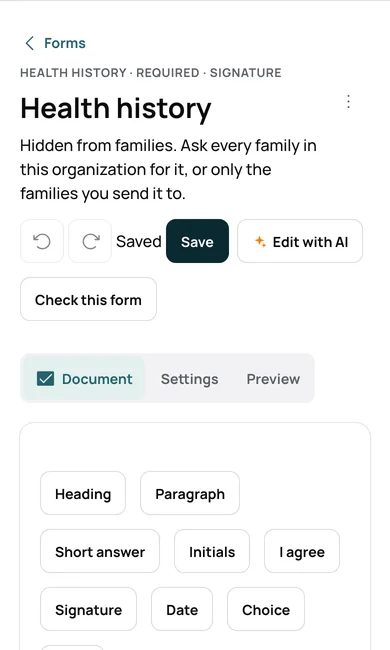
While registering or from their account, families answer each question. They sign with a finger or by typing their name.
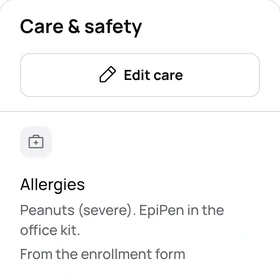
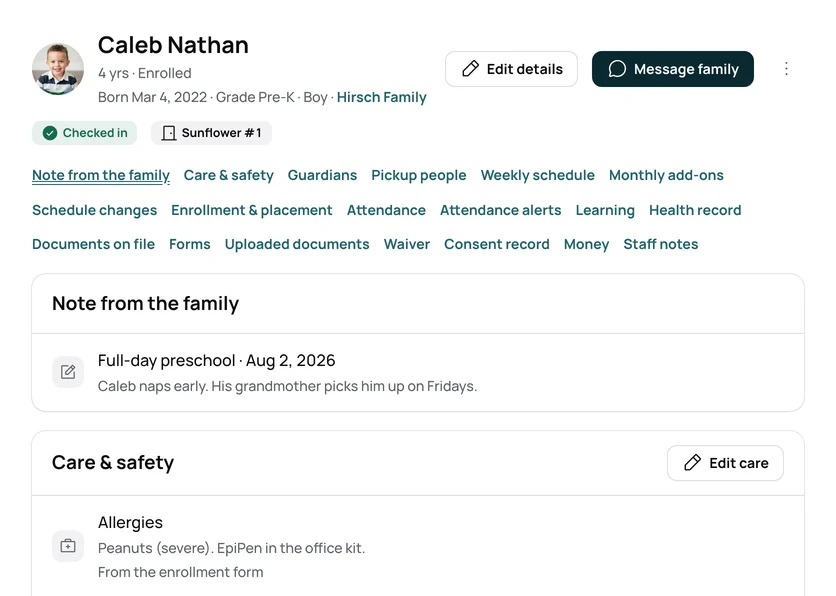
An answer you link to the record, like an allergy, shows on the child’s record for your staff.
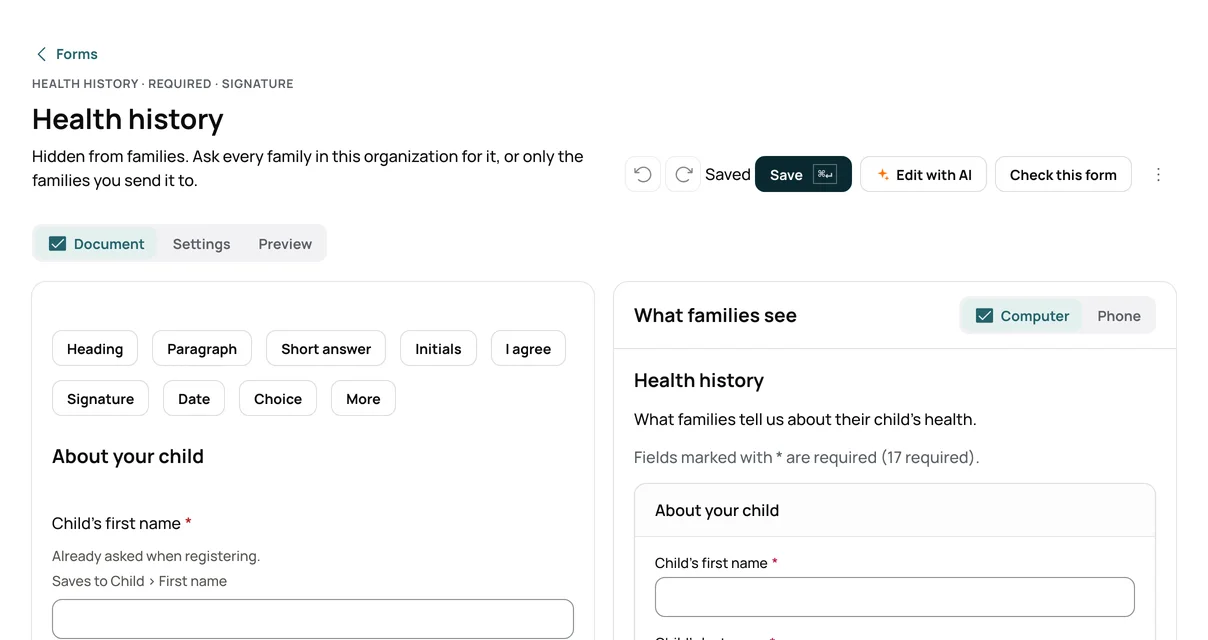
Add a signature box, initials or an “I agree” line to any form.
Import a PDF you hand out today and turn it into a form families fill in.
Families draw or type their name. Bloomily saves the name, the time and the device.
Each child’s forms sit on their record, and Today lists the ones still missing.
Change a form, then ask a family to fill it in again.
| The job | The manual way | In Bloomily |
|---|---|---|
| Handing out forms | Paper packets, or a PDF by email that comes back as a photo. | The registration itself, or a form sent to the families you choose. |
| Getting a signature | A pen at drop-off, then a chase for the missing ones. | Families draw or type their name, and the time is kept with it. |
| Knowing what is missing | Flipping through folders before a licensing visit. | Today lists children missing a form due before their first day. |
| A changed form | Reprint it and collect it again. | Make a new version and ask families to fill it in again. |
| Finding a signed copy | A filing cabinet. | Families download the signed PDF, and your office prints a pack. |
Whether an electronic signature counts for a form is your licensing office’s call. Check before you drop paper.
A required form can hold back registration and payment. It never stops a child at the door.
A drop-in center has the waiver families sign at the door, in place of a form builder.
Start from pickup, emergency contact, health, medication, immunization or photo release forms, then make them yours.
Part of Enrollment in Bloomily.
See all of itYes. They fill in and sign while registering or from their account, on any phone or computer.
Yes. Each child’s record shows their forms, and Today lists children missing a form due before their first day.
Yes. Import the PDF and Bloomily turns it into a form. You can also have families fill in the official PDF itself.
You make a new version, and you can ask a family to fill it in again.
Yes. A required form must be filled in before the family can pay and finish registering.
Ask your licensing office. Bloomily saves each signer’s name, the time and their agreement to sign electronically.
Applications parents finish on the couch. Custom forms, uploads, and signatures.
Every adult who may pick up, each with their own PIN, on the child’s record.
Sessions and add-ons that families book from your page.
Three things directors ask before they start, answered where you can read them.
Cancel within 60 days of your first charge, and your money comes back automatically.
How the guarantee works →AI help is built in, plus full support from our team. Ask a question, and it answers from your own records.
How AI help works →Encrypted on the way and at rest. Each program’s records are walled off. We never hold card numbers.
Trust and security →Set up in an afternoon.