

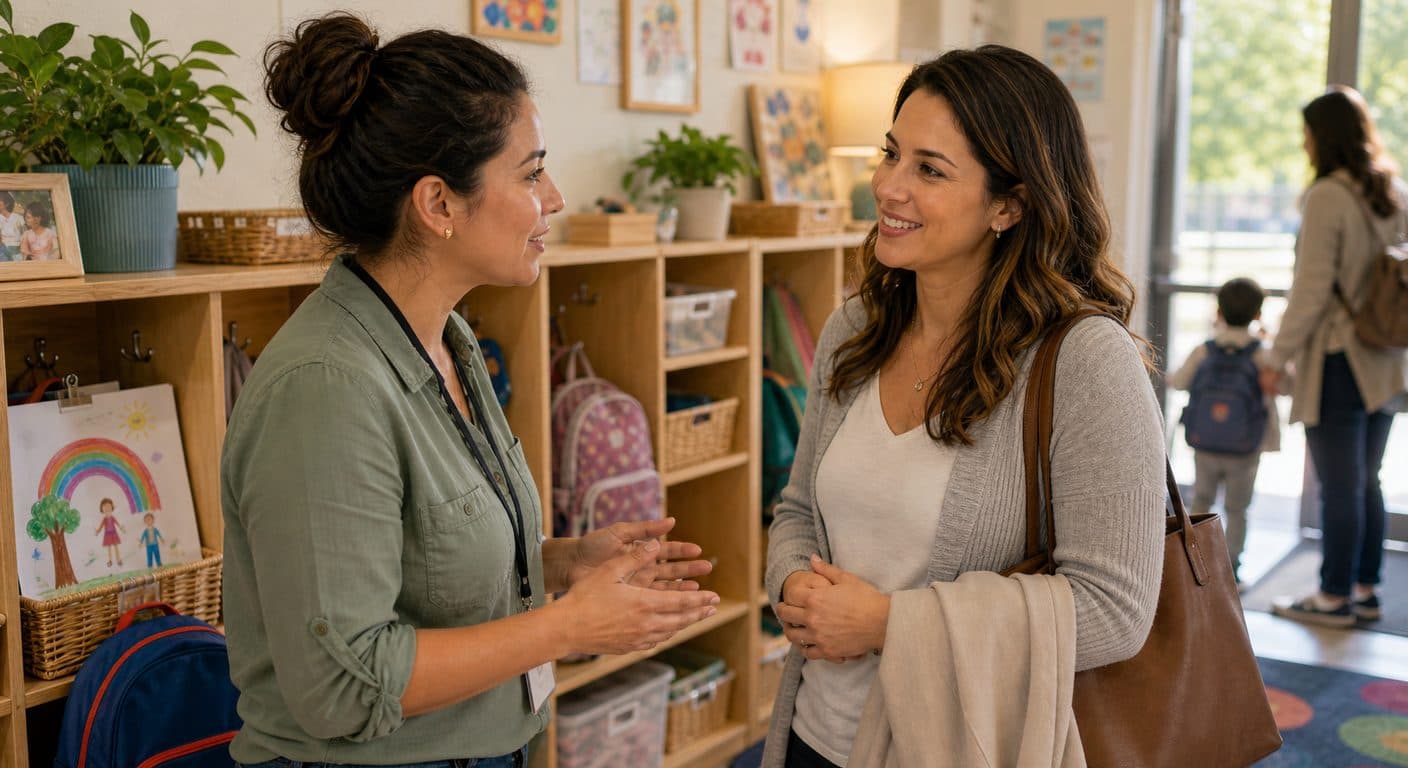
Centers with strong parent communication have 30-40% higher retention rates than those that rely on pickup-time conversations alone. Communication is not just a nice-to-have. It is the single biggest driver of parent satisfaction after care quality itself. When parents feel informed and connected, they trust your program, refer friends, and stay enrolled longer.
| Communication Type | Frequency | Purpose | Channel |
|---|---|---|---|
| Daily reports | Every day | Share child's day | App or paper |
| Direct messages | As needed | Individual concerns | App or email |
| Announcements | Weekly | Center-wide updates | App, email, or bulletin |
| Newsletters | Monthly | Program highlights, upcoming events | Email or app |
| Conferences | 2x per year | In-depth child development | In-person or video |
| Emergency alerts | Rare | Closures, safety events | App push + SMS + email |
This guide covers the types of communication that matter most, best practices for each, common mistakes to avoid, and how technology can make parent communication easier and more consistent.
Why Communication Matters for Retention and Satisfaction
Parents cannot see what happens during the day. From the moment they hand their child to a caregiver at drop-off until they walk through the door at pickup, they are in the dark. That gap creates anxiety, and anxiety erodes trust.
Strong communication bridges that gap. It transforms childcare from a black box into a transparent partnership where parents feel like active participants in their child's daily experience.
The Retention Connection
Consider two identical childcare programs with the same quality of care, the same staff, and the same tuition. The only difference is communication:
Center A sends daily reports with photos, responds to parent messages within an hour, and shares a monthly newsletter with curriculum highlights.
Center B relies on pickup-time handoffs, responds to emails within 2-3 days, and posts occasional updates on a bulletin board.
Center A will consistently outperform Center B in retention, referrals, and online reviews. The care may be identical, but the parent experience is dramatically different.
What Parents Say They Want
Surveys of childcare parents consistently show these communication priorities:
- Knowing their child is happy and safe (daily reports, photos)
- Quick responses to questions and concerns (messaging)
- Advance notice about schedule changes (announcements)
- Understanding what their child is learning (curriculum updates)
- Feeling like a partner in their child's development (conferences, milestone sharing)
Types of Communication
Daily Reports
Daily reports are the foundation of parent communication. They provide a snapshot of the child's day, including meals, naps, activities, mood, and milestones.
Best practices for daily reports:
- Send them during the day, not just at pickup. A mid-afternoon update with a photo is far more impactful than a paper form handed over at 5:30 PM.
- Be specific. "Emma built a tower with blocks" is forgettable. "Emma stacked 14 blocks, the tallest tower in her class today, and was so excited she called her teacher over to count them" is memorable.
- Include at least one photo. Photos make reports feel personal and give parents a visual connection to their child's day.
- Keep it consistent. Every child should receive a report every day, regardless of which teacher is in the room.
Direct Messaging
Parents need a way to reach their child's teacher or the center director with individual questions, schedule changes, or concerns.
Best practices for direct messaging:
- Set clear response time expectations. Communicate that messages will be answered within 2-4 hours during business hours.
- Keep conversations professional but warm. Match the parent's tone. If they are casual, be friendly. If they are concerned, be empathetic and thorough.
- Do not use personal phone numbers. Keep communication on official channels for professionalism and staff boundaries. Teachers should not feel obligated to respond to texts at 10 PM.
- Document sensitive conversations. If a parent raises a concern, keep a record of the conversation and the resolution.
Announcements and Updates
Center-wide announcements keep all families informed about events, closures, policy changes, and reminders.
Best practices for announcements:
- Give adequate notice. Holiday closures and schedule changes should be communicated at least 2 weeks in advance.
- Be clear and concise. Lead with the key information (what, when, what families need to do) and provide details below.
- Use multiple channels. Important announcements should go through the app, email, and be posted physically at the center. Not every parent checks every channel.
- Repeat important messages. Announce an event or deadline, then send a reminder 3 days before and 1 day before.
Newsletters
A monthly newsletter keeps parents connected to the broader program, not just their child's individual experience.
What to include in a monthly newsletter:
- Curriculum themes and highlights for the coming month
- Upcoming events and important dates
- Staff spotlights or introductions
- Photos from recent activities (with parental consent)
- Parenting tips or developmental information relevant to the age group
- Celebration of milestones or achievements
- Reminders about policies or procedures
Best practices:
- Keep it scannable. Use headers, bullet points, and short paragraphs. Parents will skim, not read every word.
- Make it visual. Include photos. A newsletter with zero images will be skimmed or skipped.
- Send it on a consistent day (e.g., the first Monday of each month) so parents expect it.
- Keep it to one page (or the digital equivalent). Longer newsletters have lower engagement.
Parent-Teacher Conferences
Scheduled conferences provide dedicated time for in-depth conversations about a child's development, strengths, and growth areas.
Best practices for conferences:
- Hold them twice per year (fall and spring) at minimum
- Prepare with specific observations, work samples, and assessment data
- Lead with positives before discussing concerns
- Listen as much as you talk. Parents have insights about their child that teachers may not see
- Provide actionable suggestions parents can implement at home
- Offer multiple scheduling options, including early morning, evening, and video call slots for working parents
Emergency Communication
Closures, weather events, safety incidents, and health emergencies require immediate, multi-channel communication.
Best practices for emergencies:
- Use every available channel simultaneously: app push notifications, SMS, email, and phone calls for critical situations
- Be clear about what happened, what you are doing, and what parents need to do
- Communicate quickly, even if you do not have all the information. "We are aware of the situation and will update you within 30 minutes" is better than silence.
- Follow up with a comprehensive message once the situation is resolved
Common Communication Mistakes
1. Inconsistency
Sending daily reports some days but not others, or only when something notable happens, trains parents not to expect communication. Then when they do not hear from you, they assume the worst.
Fix: Make daily communication non-negotiable. Every child gets a report every day.
2. Only Communicating Problems
If the only time parents hear from you is when there is an issue (behavior problems, late payments, illness), they will dread your messages.
Fix: Maintain a ratio of at least 5 positive communications for every 1 that raises a concern.
3. Slow Response Times
When a parent sends a message and does not hear back for 24-48 hours, they feel ignored. Even if you are busy, a delayed response signals that their concern is not a priority.
Fix: Set and meet a response time standard. Acknowledge messages within a few hours, even if the full answer takes longer.
4. Using Too Many Channels
When some information goes to email, some to a group text, some to a paper flyer, and some to a bulletin board, parents miss things and get frustrated.
Fix: Choose one primary channel for all routine communication and use it consistently. Other channels should supplement, not replace.
5. Generic, Impersonal Updates
"Your child had a great day" tells parents nothing. It feels like a form letter, because it essentially is one.
Fix: Include at least one specific detail unique to the child. It does not need to be long. One personalized sentence makes all the difference.
6. Ignoring Cultural and Language Needs
If families in your program speak different languages at home, English-only communication creates a barrier.
Fix: Use tools that support translation, offer key documents in multiple languages, and ensure bilingual staff are available for conferences when needed.
How Technology Improves Communication
The biggest communication challenges in childcare are consistency, speed, and scale. Technology solves all three.
Consistency
Digital tools ensure every child gets a daily report, every announcement reaches every family, and no message falls through the cracks. Templates and automation make consistent communication sustainable even when staff are busy.
Speed
Push notifications reach parents instantly. A photo taken in the classroom at 10 AM can be on a parent's phone by 10:01 AM. Compare that to a paper note discovered at the bottom of a backpack two days later.
Scale
A center with 80 families cannot maintain personalized communication through paper and phone calls alone. Software makes it possible to communicate individually with every family while keeping the workload manageable for staff.
Centralization
One platform for daily reports, messaging, announcements, newsletters, and emergency alerts means parents know exactly where to look. No more "I think it was in an email? Or was it a text?" confusion.
Bloomily's Communication Tools
Bloomily's communication features are built around the way childcare centers actually work.
Daily reports and activity feed:
- Teachers send updates, photos, and milestone notes throughout the day
- Parents receive real-time notifications and can view their child's full day in one timeline
- Reports are personalized per child, not generic classroom updates
Direct messaging:
- Secure, in-app messaging between parents and teachers or directors
- Conversation history is preserved and searchable
- Staff messaging stays on the platform (no personal phone numbers needed)
Announcements:
- Center-wide or classroom-specific announcements
- Schedule announcements in advance
- Multi-channel delivery (push notification + in-app + email)
Parent engagement:
- Photo galleries organized by activity or date
- On Standard, families can invite a grandparent or another relative to view updates in the app
Strong communication does not happen by accident. It requires intentional systems, consistent habits, and the right tools. When you get it right, parents become your biggest advocates, and your center's reputation grows through word of mouth.
Visit bloomily.app to learn how Bloomily helps childcare centers communicate better with every family, every day.